Use motion to show what static assets cannot.
3D animation and motion visuals can clarify products, spaces, interfaces, concepts, and branded moments that are hard to capture directly.
Overview
Animation works best when the purpose is specific.
The goal may be explanation, atmosphere, product clarity, brand polish, or campaign motion.
 XMLA
XMLAProduct views
Show objects, interfaces, features, or spaces from controlled angles.
 XMLA
XMLAMotion branding
Create animated intros, transitions, logo moments, or visual sequences.
 XMLA
XMLAExplainers
Turn abstract services, workflows, or concepts into easier visual communication.
 XMLA
XMLAWeb-ready output
Prepare animation for videos, landing pages, social clips, and presentation assets.
Video Player
Explore 3D animation work.
Browse motion and 3D examples built for product views, branded sequences, explainers, and presentation assets.
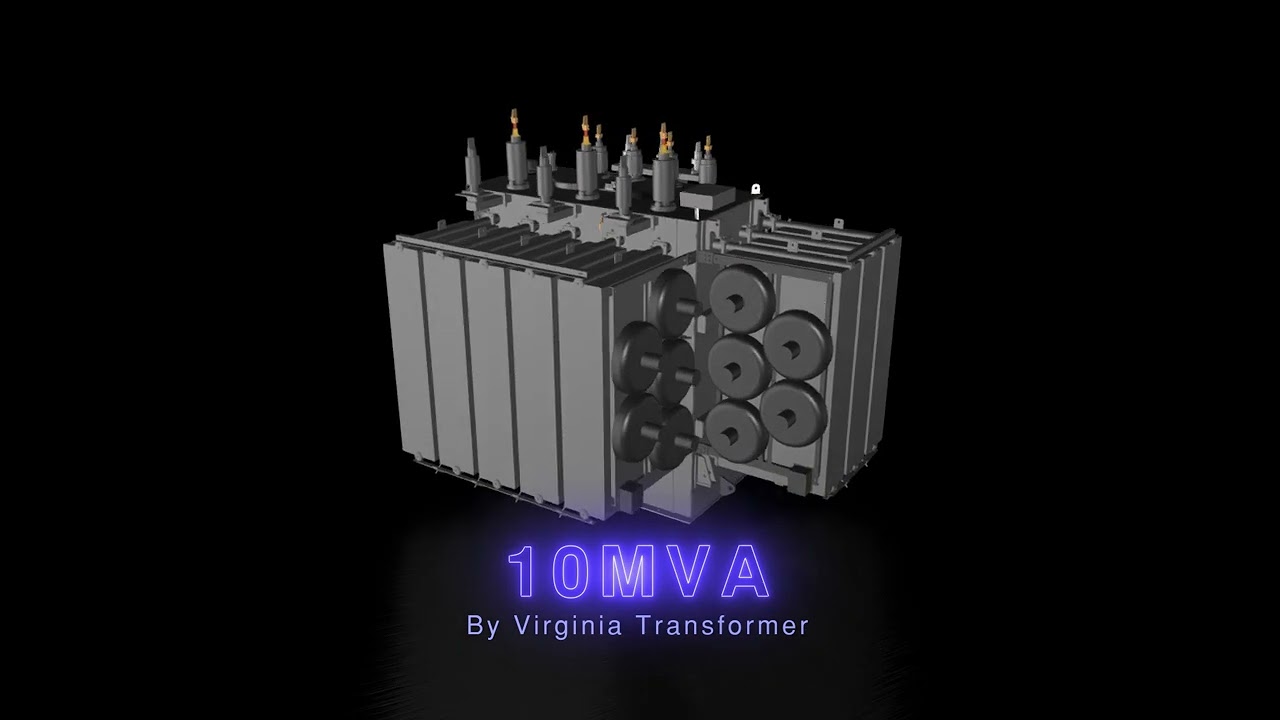
10MVA

30MVA

200MVA

E2X Pad Mount

FI 30

Leo Corps Video Bumper
Process
From production brief to ready-to-use media.
Structured steps keep the work easier to understand and easier to move forward.
Plan the use
Clarify where the media will live and what it needs to accomplish.
Capture assets
Gather footage, photos, audio, interviews, locations, product visuals, or event moments.
Shape the edit
Build the story, sequence, sound, motion, graphics, and production finish.
Deliver formats
Export web, social, portfolio, presentation, and campaign-ready files.
Next step
Add a more cinematic layer to the message.
XMLA can create motion assets that support product, brand, or campaign presentation.