
Location videos · Bring people closer
Let the setting
tell part of your story.
Show customers the places behind your business. Explore location video work and imagine how your space, surroundings, and everyday activity could come to life on screen.
27 years in business. Personal attention to your next idea.
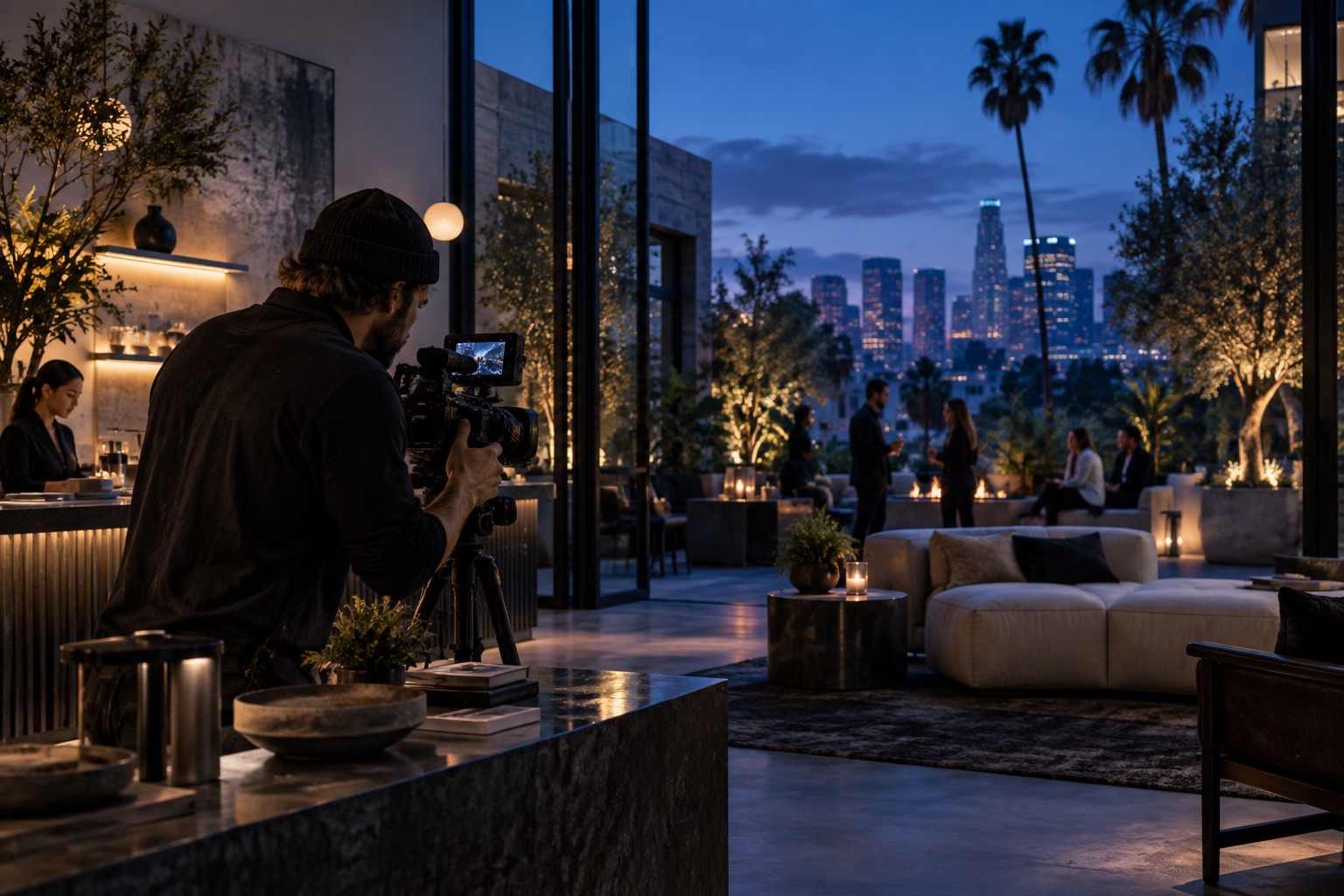
Overview
Location media works when the place supports the story.
The location should help customers understand scale, personality, quality, or context.
Business environment
Show offices, studios, venues, storefronts, workspaces, or service locations.
On-location shoots
Plan lighting, framing, movement, sound, timing, and logistics around real spaces.
Context footage
Capture details, people, products, signage, atmosphere, process, and surrounding visuals.
Website use
Prepare location media for service pages, about pages, portfolios, hero areas, and social.
Video Player
Browse location video examples.
See production work that uses real environments, spaces, and context to make the brand feel tangible.

The Award Winning Skullcraft Street – 2025 – Trailer

Schoolcraft Spectacular 2024

Skullcraft 2024 – Our Award-Winning Halloween House on Display
![Kush Alley [Commercial]](https://i.vimeocdn.com/video/717106896-42e49c0486dccf79e1a06986482884af58866bffefce3ec20659776fc6cc5f2e-d_640?region=us)
Kush Alley [Commercial]
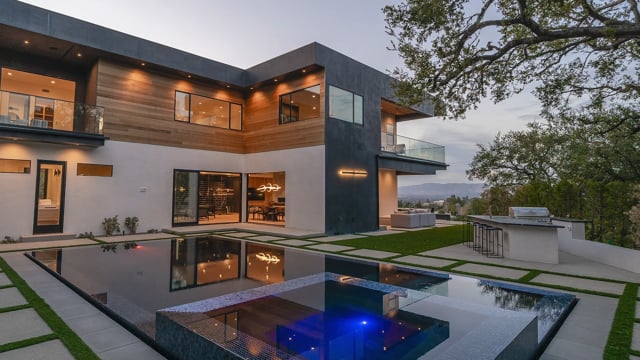
3924 Saphire Dr. Encino, CA

Kiehl’s & amFAR Life Ride 9
River Plate Inc.
Process
From your first idea to media ready to share.
We’ll explain the plan, agree the priorities, and keep you involved as the work moves forward.
Plan the use
Clarify where the media will live and what it needs to accomplish.
Capture assets
Gather footage, photos, audio, interviews, locations, product visuals, or event moments.
Shape the edit
Build the story, sequence, sound, motion, graphics, and production finish.
Deliver formats
Export web, social, portfolio, presentation, and campaign-ready files.
Next step
Show customers where the work actually happens.
XMLA can plan and produce location media for websites and campaigns.